Getting Started
Foundry accounts are designed for simplicity. When you log in, you’ll land on the Campaigns page — the central hub for managing your media activity.
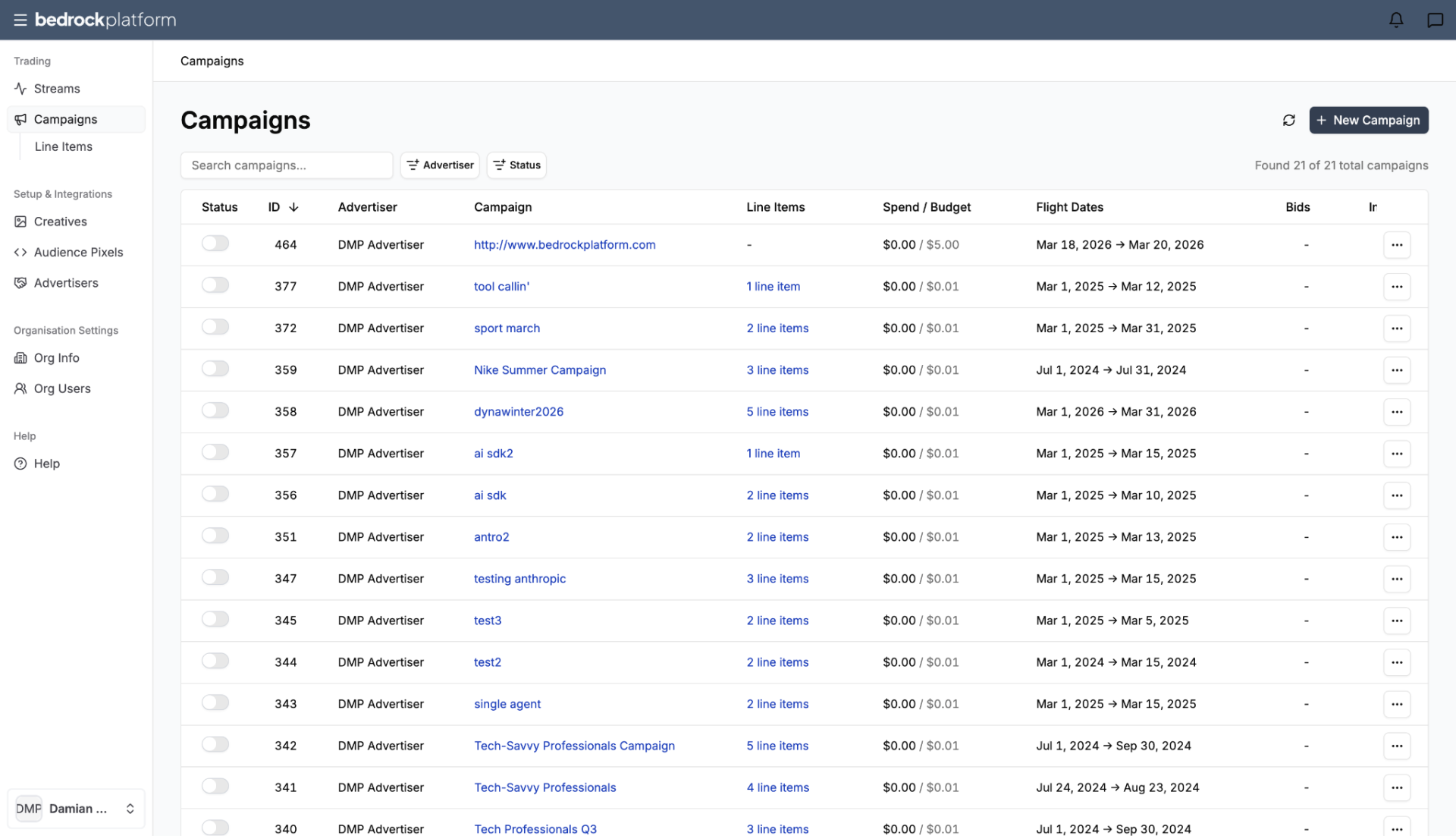
Navigation
The left sidebar organizes the platform into sections:
Trading
- Streams → Audience Streams (pre-curated by Bedrock or partners)
- Campaigns — your media buys (grouping line items)
- Line Items — execution details within campaigns
Setup & Integrations
- Creatives — upload and manage your ad assets
- Audience Pixels — pixel-based tracking for conversions and retargeting
- Advertisers — manage your client/brand profiles
Help
- Help — documentation and support
- Bedrock Agent – Pathfinder (BETA) — AI assistant for recommendations and questions
Key Differences from Forge
Foundry accounts have a simplified interface:
- Pre-curated Streams — the Streams section shows packages ready to use. Select one, attach it to a line item, and activate.
- Pathfinder-first workflow — use the AI agent to discover relevant streams and get campaign setup recommendations.
- Credit-based payment — add credit via credit card. Campaigns run until credit is depleted.
Typical Foundry Workflow
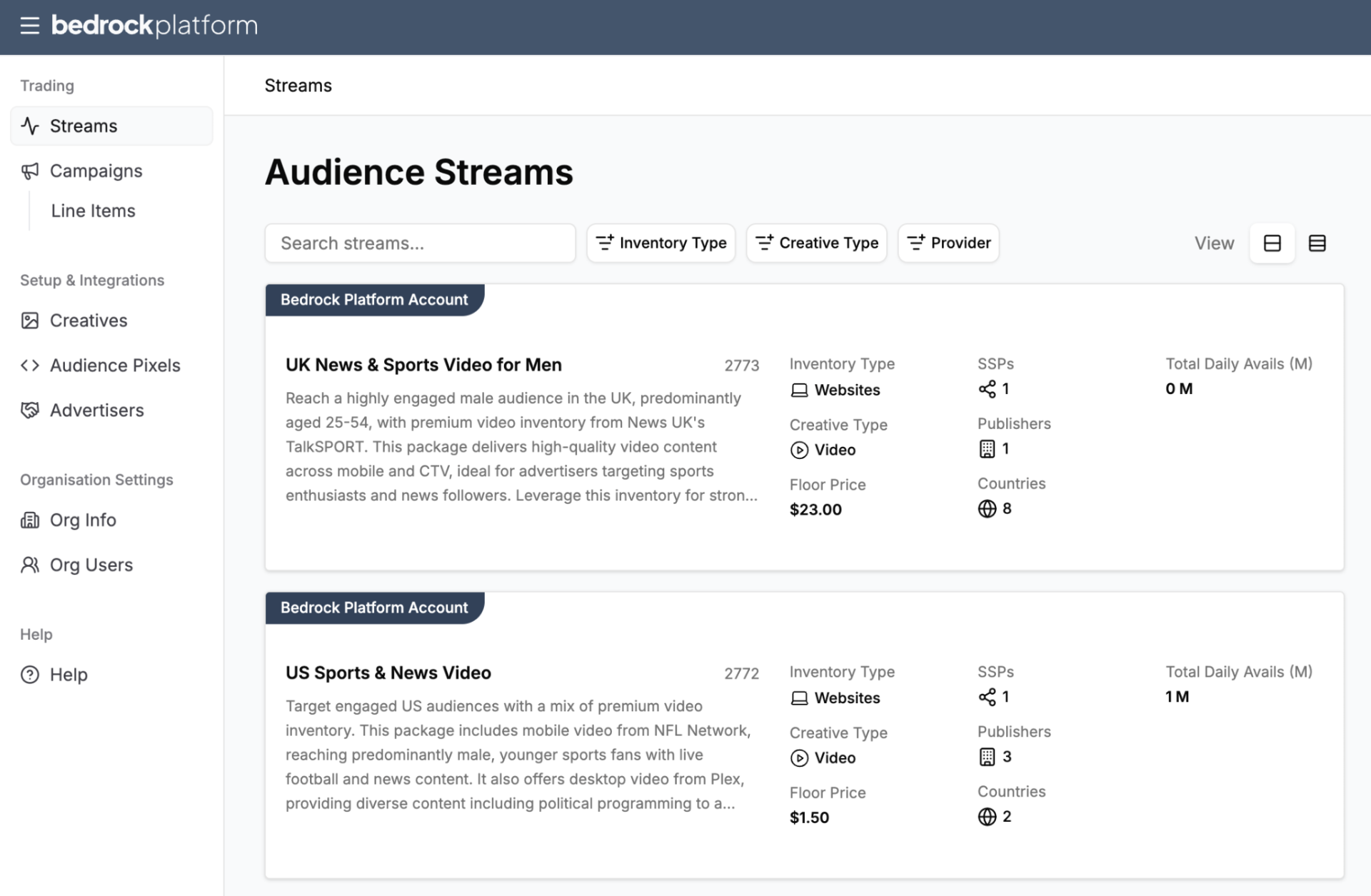
- Browse Streams — explore pre-curated Audience Streams in the Curate section, or ask Pathfinder for recommendations.
- Create an Advertiser — set up your brand/client profile.
- Create a Campaign — name, advertiser, budget, dates.
- Add a Line Item — select a stream, set budget and bidding.
- Upload Creatives — add your display or video ad assets.
- Activate — toggle the campaign on and monitor performance.
For detailed guides on each step, see Streams and Campaigns.